
If you have previously saved an asset or geofence view as a filter but would like to delete it now, you can do so as follows:
- On the sidebar menu on the left, click
 .
.
- Click Tracking on the flyout menu that appears.
The Tracking screen will open.
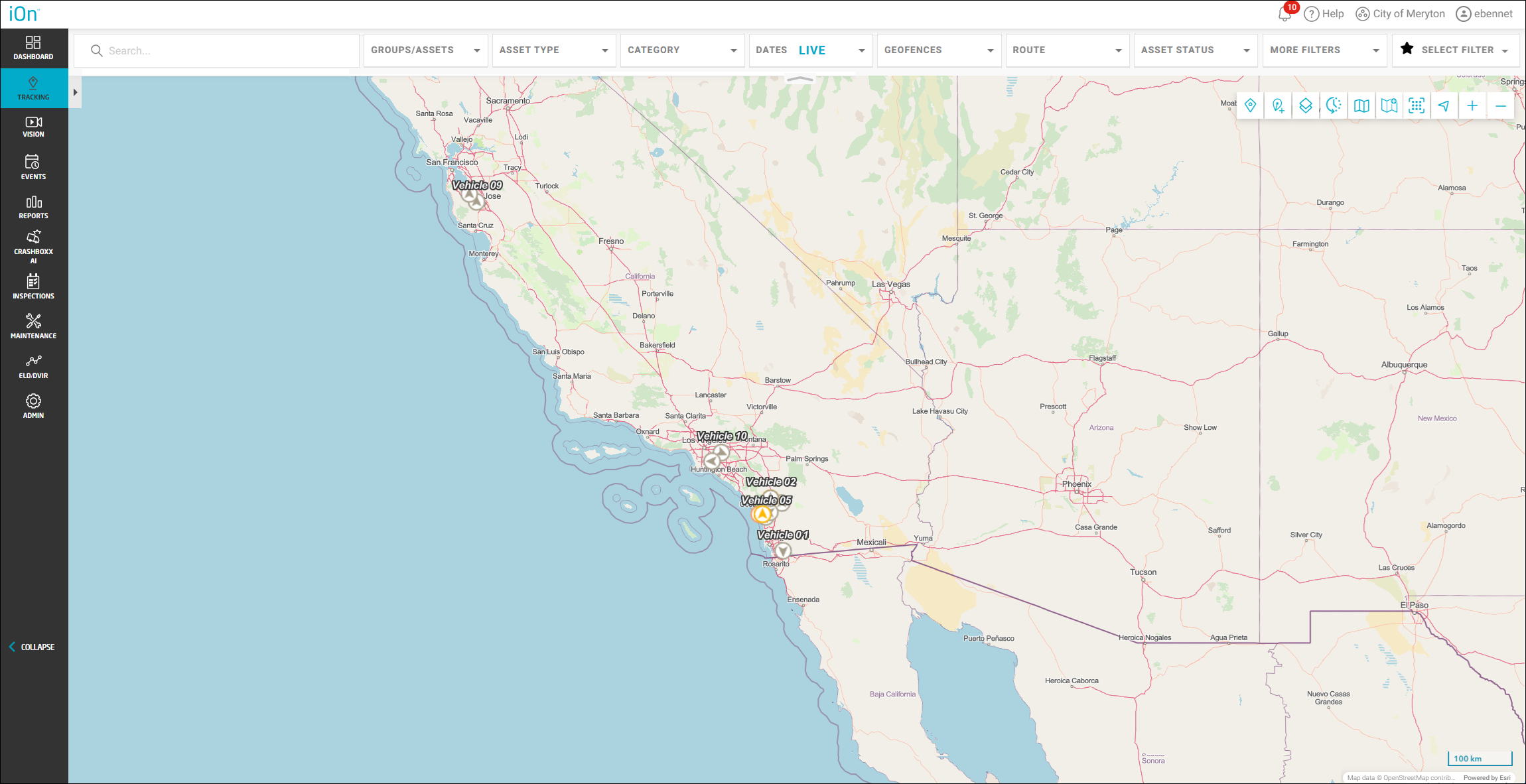
- Click Select Filter at the top right.
A list of your saved filters will appear.

- Click
 to the left of the name of the filter you want to remove.
A warning dialog box will appear.

- Click Yes, Remove.